

Two boxes, no login, no fee. That’s the entire barrier between you and any Winnipeg property’s assessed value, yours, a neighbour’s, or a house you’re thinking about buying. Most people don’t realize this tool exists until they need it for something specific, an appeal, a purchase, a curious comparison, and end up calling 311 for information that’s actually been sitting online the whole time.
- Two Ways to Search: Address or Roll Number
- Finding Your Roll Number If You Don’t Have It
- What the Results Page Actually Shows You
- Searching Someone Else’s Property, Legally
- My Properties: The Owner-Only Portal With More Detail
- The Winnipeg Property Map: A Visual Alternative
- Checking Actual Sale Prices, Not Just Assessments
- A Few Practical Search Tips
- Common Questions About Searching Assessments Online
The City’s Property Assessment Search lets anyone look up assessed values, property characteristics, and tax information for every property in Winnipeg, searchable by street address or roll number, with results appearing instantly and no account required for the public version. A separate, secure portal exists for owners who want more detail than the public search provides, and a handful of related tools cover everything from sale prices to a visual map interface.
Two Ways to Search: Address or Roll Number
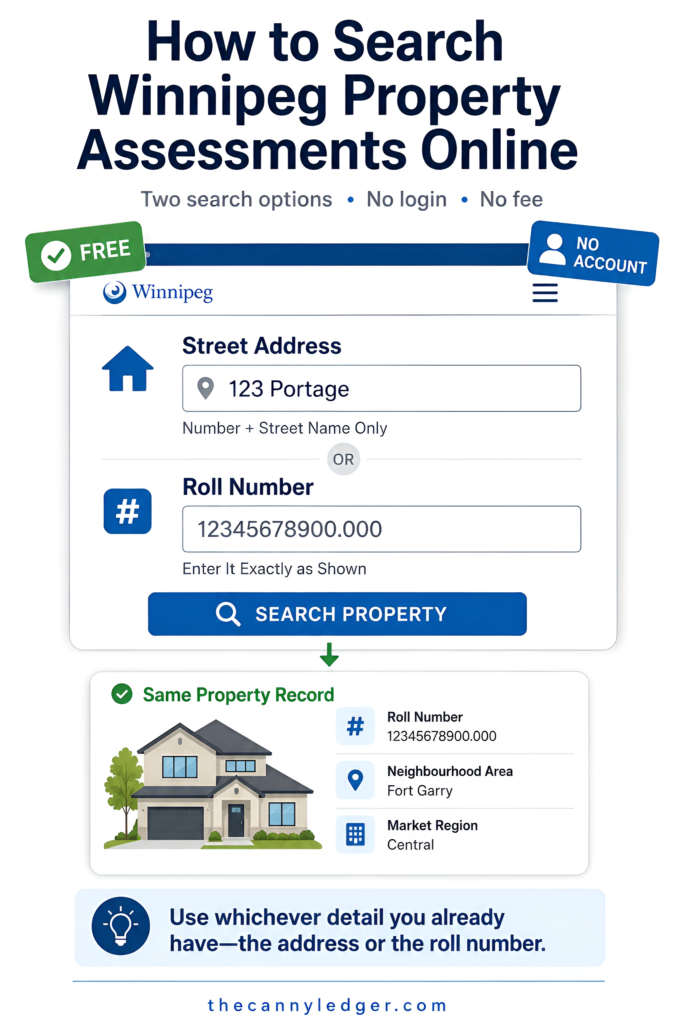
The search page itself is deliberately simple: one field takes a street number and street name only, no suffix like “Avenue” or “Street” required, so searching for a house on Portage means typing the house number and just “Portage,” not the full formatted address. The second field takes a roll number directly, the unique identifier Manitoba assigns to every assessed property, entered exactly as it appears on an Assessment Notice. Either method pulls up the same underlying record, so which one to use comes down to whichever piece of information you already have on hand.
Address search is the more forgiving starting point for most people, since remembering a roll number cold isn’t realistic for anyone who hasn’t specifically written it down. Roll number search becomes useful once you’ve already found a property once and want to bookmark or quickly return to that exact record without retyping an address.
Finding Your Roll Number If You Don’t Have It
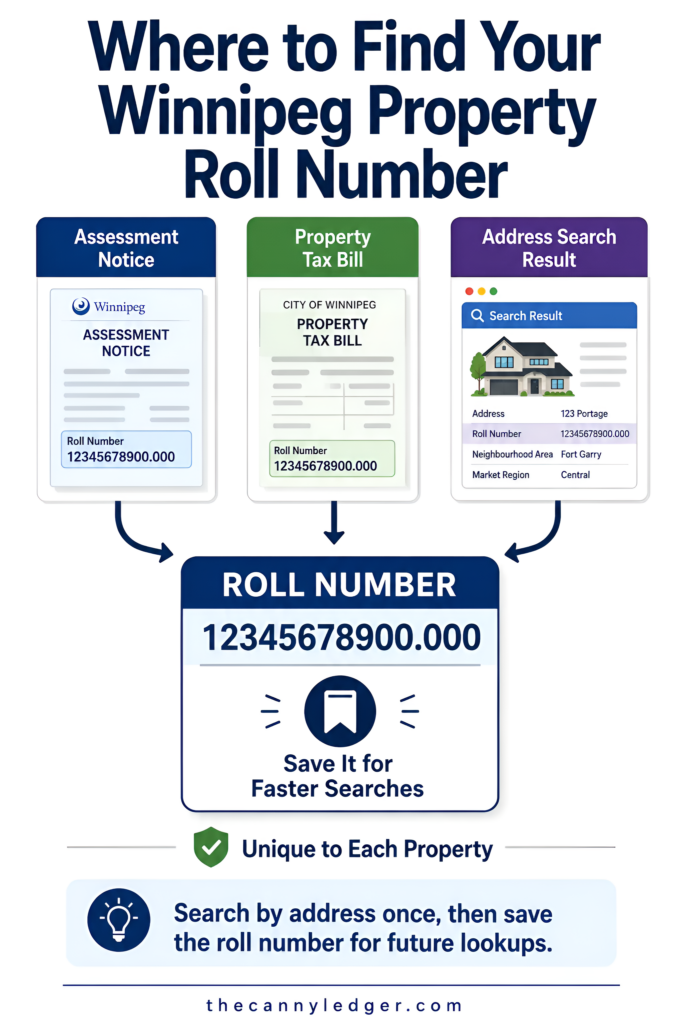
A roll number shows up in a few predictable places: printed directly on your Assessment Notice, on your annual Property Tax Bill, or simply revealed as part of the results the first time you search by address. Once you have it, an address search isn’t strictly necessary again for that same property, though there’s no real downside to just searching by address every time if that’s easier to remember. For anyone who’s just received a 2027 Residential Preview letter and wants to confirm the number matches what the City has on file, cross-checking it against the same search tool the City itself points owners to is the fastest way to settle it.
What the Results Page Actually Shows You
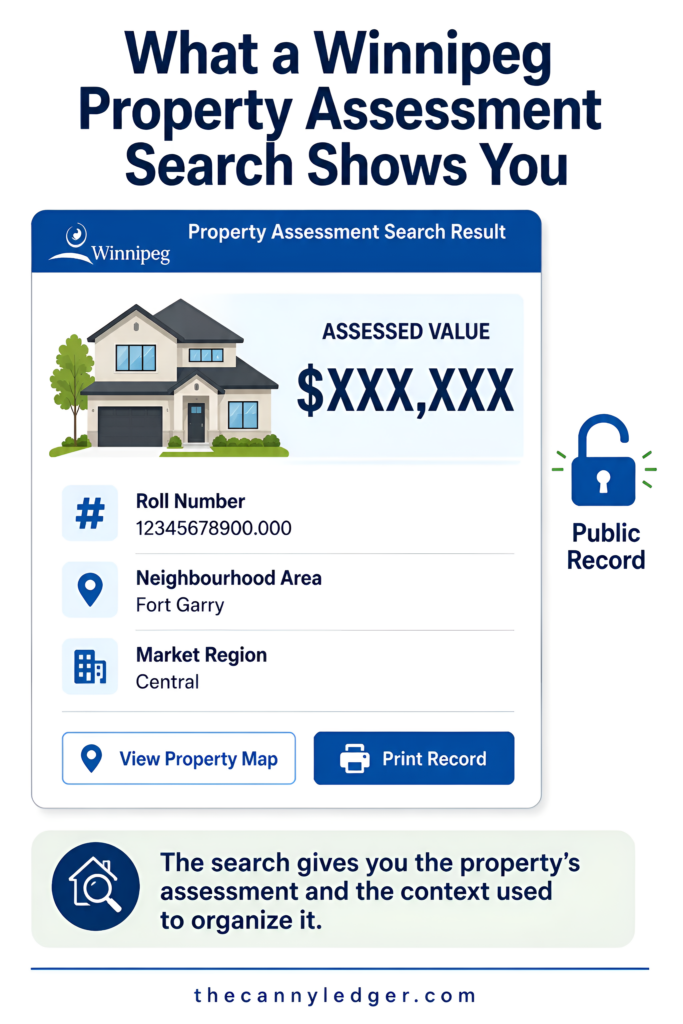
A completed search returns the property’s current assessed value, its roll number, the neighbourhood area it falls within, and the broader market region used for comparison purposes, useful context if you’re trying to understand how your specific street relates to the wider assessment zone around it. The page also links out to a property map view and offers a straightforward print option, handy for anyone who wants a physical copy for a mortgage application or an appeal file rather than screenshotting a browser window. None of this requires proving ownership or logging into anything, since assessed values in Manitoba are public record by design, the same way property tax amounts are, not private financial information tied to a specific person.
Searching Someone Else’s Property, Legally
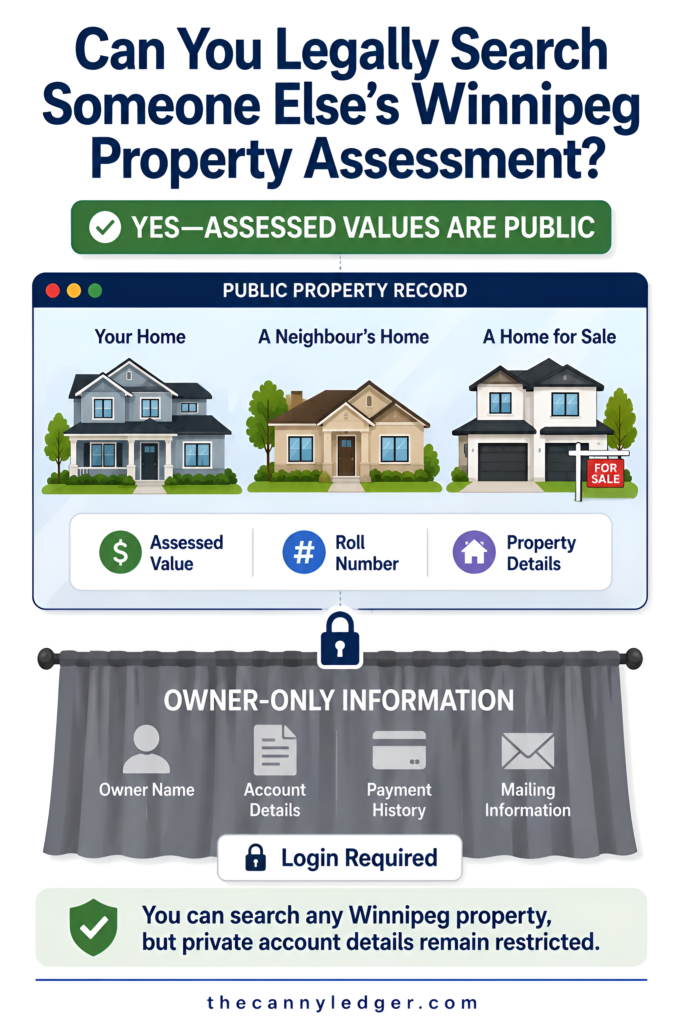
Because this information is public, there’s nothing improper about looking up a neighbour’s assessed value, a property you’re considering making an offer on, or a rental you’re negotiating on. Real estate agents, appraisers, and curious homeowners comparing their own number against the block all use the exact same public tool, no special access required. The only thing the public search won’t hand over is the kind of detailed ownership and account-level information reserved for the property’s actual registered owner, which is where the second tool comes in.
My Properties: The Owner-Only Portal With More Detail
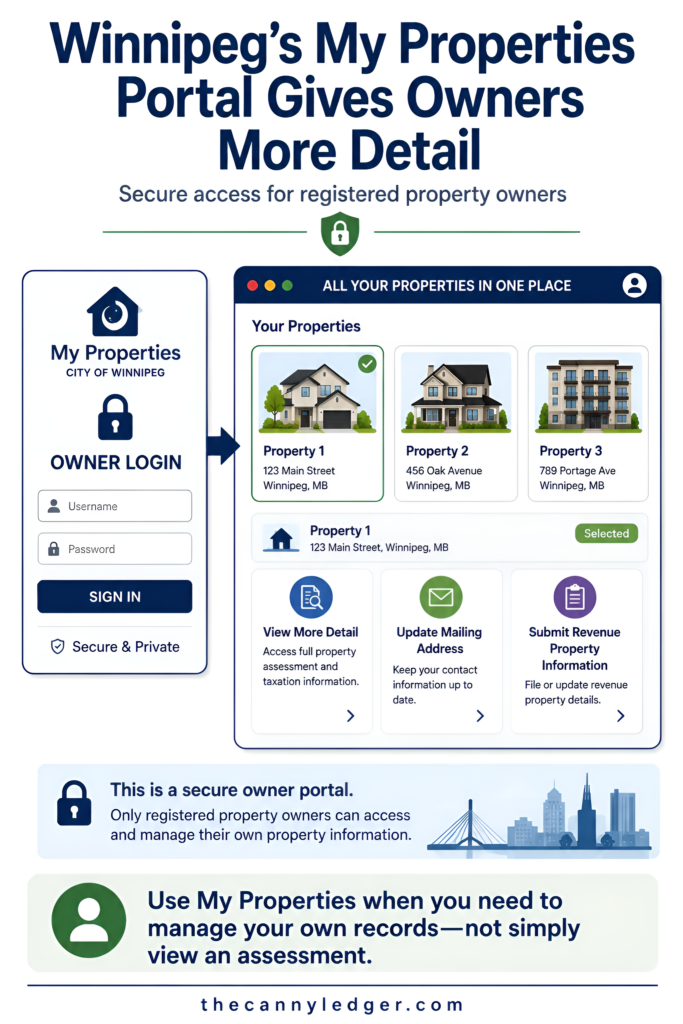
For anyone who owns the property in question, My Properties is a separate, secure section requiring an account login, distinct from the open public search. Owners with more than one property see all of them listed together rather than searching one at a time, and clicking through reveals additional detail beyond what the public-facing search shows, useful for anyone managing multiple rental properties or simply wanting the fuller picture behind their own home’s file. This is also generally the fastest route to updating a mailing address or submitting income and expense information for a revenue property, tasks the public search tool isn’t built to handle at all.
The Winnipeg Property Map: A Visual Alternative
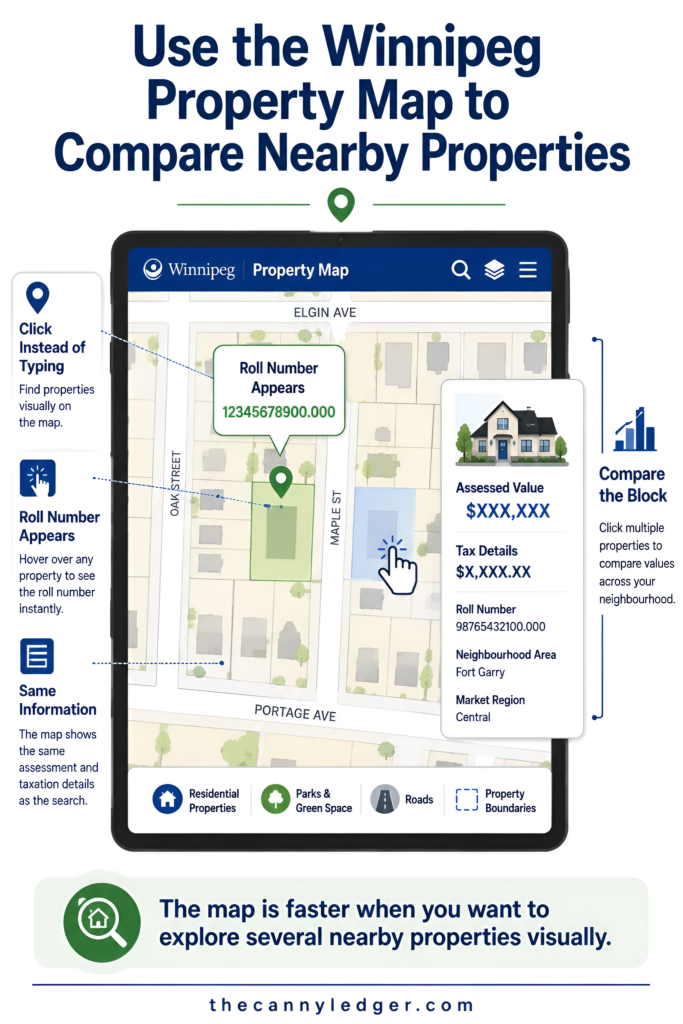
For anyone who thinks in terms of geography rather than addresses, the Winnipeg property map offers a different way into the same underlying data. Hovering over a parcel on the interactive map reveals its roll number directly, and clicking on it opens the assessment and taxation details in a new window, essentially the same information the standard search returns, just reached by clicking a location on a map instead of typing an address. This version is particularly useful for comparing several nearby properties at once, since you can visually scan a block or neighbourhood rather than searching addresses one at a time.
Checking Actual Sale Prices, Not Just Assessments
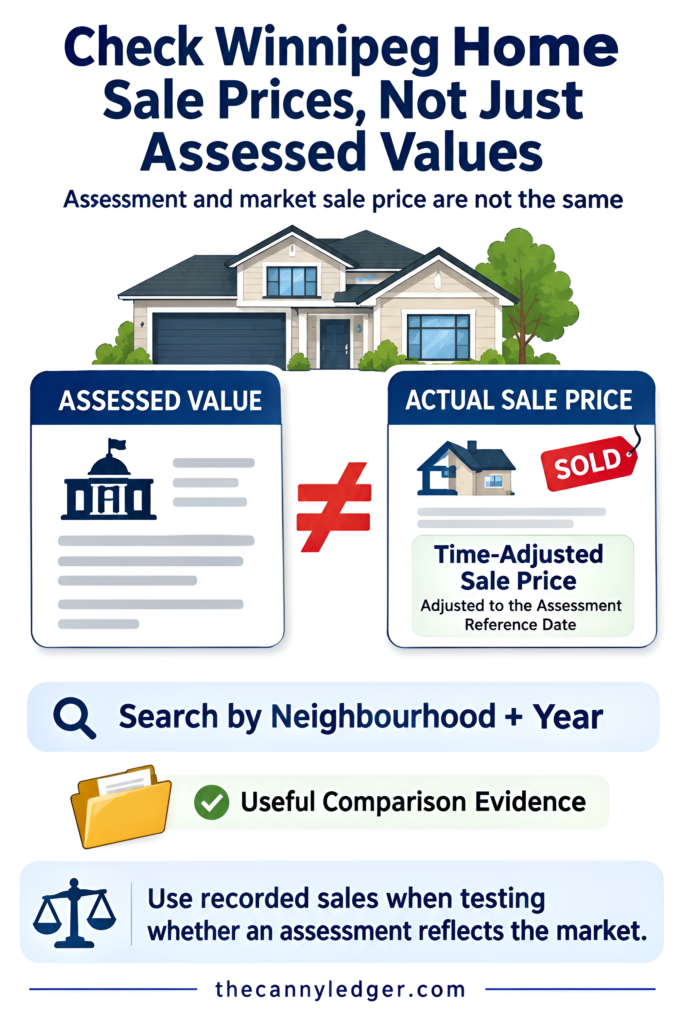
Assessed value and actual sale price aren’t the same thing, and the City maintains a separate tool specifically for the second one. Residential sales information, sometimes referred to as the Sales Books, lets anyone search actual recorded property sales by neighbourhood and year rather than by a single address. Each entry includes a “Time Adjusted Sale Price,” the sale price recalculated to reflect market movement between the actual sale date and the assessment’s reference date, which is exactly the kind of comparable-sales evidence worth bringing to an informal assessment discussion or a formal Board of Revision appeal, covered in more depth in understanding your Winnipeg property tax assessment. This tool matters for anyone trying to argue their own assessment is out of step with what similar homes nearby have actually sold for, since a raw sale price without that time adjustment can be misleading if the sale happened well before or after the reference date.
A Few Practical Search Tips
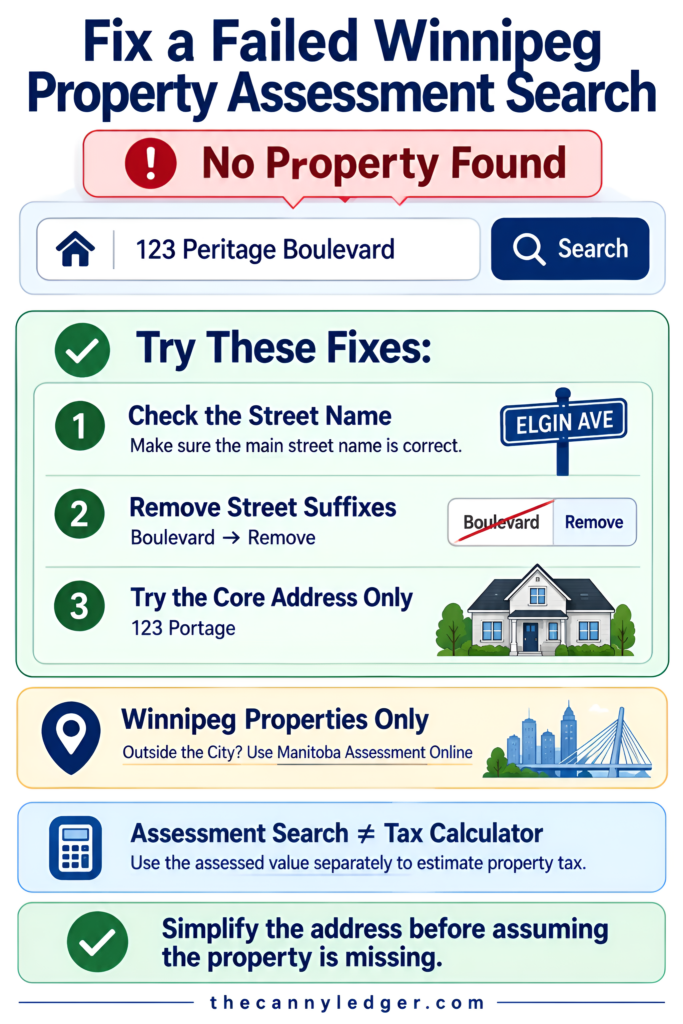
Typos in a street name are the most common reason a search comes back empty, so if an address search fails on the first try, simplifying to just the core street name, dropping directional prefixes like “North” or suffixes like “Boulevard,” often succeeds where the fuller formatted version didn’t. For properties outside Winnipeg’s city limits, this particular tool won’t return anything at all, since it’s scoped specifically to the City of Winnipeg; Manitoba runs a separate Manitoba Assessment Online tool covering other municipalities across the province. And once you’ve got an assessed value in hand, running it through the actual tax formula is covered separately in Winnipeg’s property tax calculator, since the search tool itself shows the assessed value but doesn’t calculate what you’d actually owe.
Common Questions About Searching Assessments Online
Do I need to create an account to look up my own property? No, not for basic assessed value information. The public Property Assessment Search works without any login for anyone, owner or not. An account only becomes necessary through My Properties if you want owner-specific detail or need to manage account tasks like updating a mailing address.
How current is the information shown in a search result? The assessed value reflects the most recently finalized assessment roll, which only changes at general reassessment or when a specific property is individually reassessed due to a sale, permit, or improvement. It won’t show a proposed value still under review during a preview period until that value becomes final.
Can I search by the previous owner’s name instead of an address? No, the tool is built around address and roll number only, not owner name. This is a deliberate privacy boundary, since assessed values are public but tying a specific name to a specific financial detail through a name-based search is treated differently under the City’s data practices.
Bookmark the roll number once you’ve found it the first time, and lean on the Sales Books tool rather than assessed values alone if you’re building a genuine comparison case. Between the public search, the property map, and the sales data, there’s rarely a reason to wait on 311 for information that’s already sitting online, free and searchable, right now.